
To Install
Click here to go to the website.
Click Download 
It downloads almost immediately and this banner appears:

Click on the file name (Express…….exe). The program installs and is added to your desktop: 
To Extract MLAAD
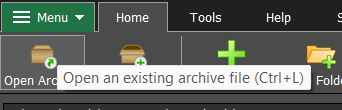
Open Express Zip. Click Open Archive, just below Menu at the top left:
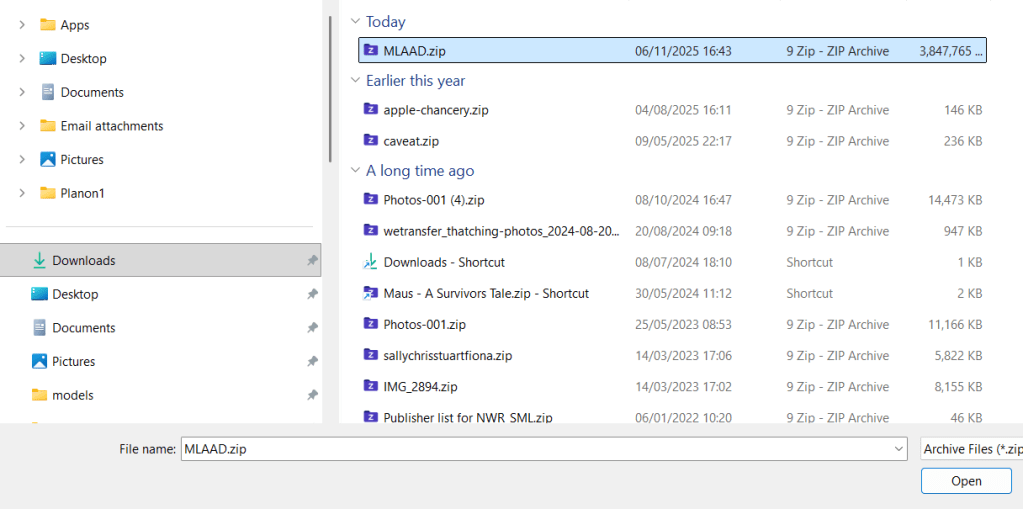
Select your Downloads folder, select MLAAD.zip and click Open:
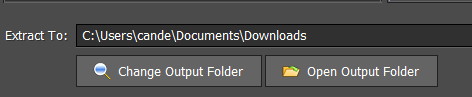
At the bottom left it shows that by default the output folder for extracted files is also Downloads. That’s fine, but if you store videos somewhere else click Change Output Folder:
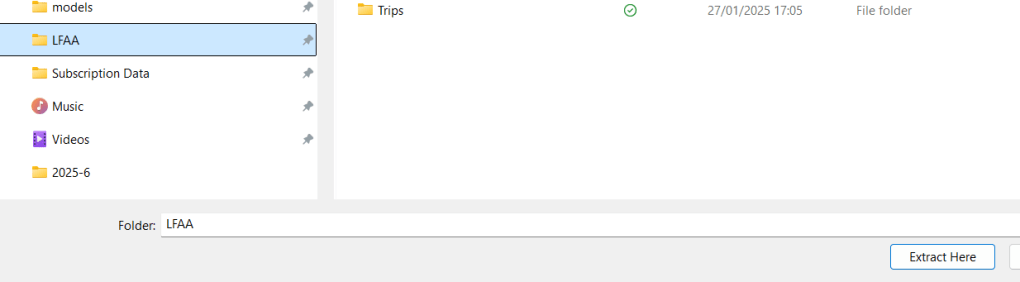
Then select the desired folder and click Extract Here:
To perform the extraction simply click Extract at the bottom right:

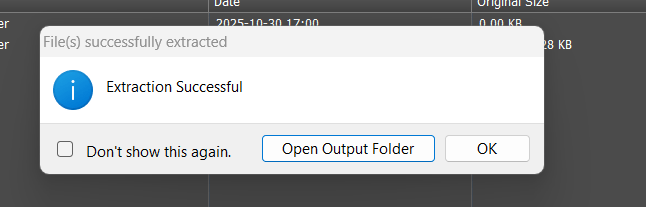
If you click Open Output Folder you will see the extracted folder MLAAD, or just click OK to finish.

Return to How to download the first film
Return arrow image by starline on Freepik
 The Babbling Pond
One thought on “Express Zip”